One patient context
Connect outpatient visits, orders and inpatient records without asking each department to maintain an unrelated patient history.
 smartcode SYSTEMS
Solutions
Let’s talk
smartcode SYSTEMS
Solutions
Let’s talk
Care connected from the first visit to discharge.
Connect outpatient care, wards, laboratory, pharmacy and insurance in one patient journey, from the first visit through discharge.
 One connected workspaceSmart Hospital
Your everyday workflow, connected.
The whole picture
Designed for
Bring appointments, clinical notes, prescriptions and diagnostic results together with inpatient admission requests, bed allocation, nursing records and discharge clearance. Link patient charges and insurance desk work to the same care record, with batch-aware pharmacy dispensing and authorised chart access.
Smart Hospital follows the patient across outpatient and inpatient care rather than treating each department as a separate system. Clinical consultations, diagnostics and prescriptions connect with ward admissions, nursing records and the patient charge ledger. The insurance and billing teams can follow their own responsibilities with the care context retained, while authorised chart access and audit records support controlled use of the patient workspace.
Connect outpatient visits, orders and inpatient records without asking each department to maintain an unrelated patient history.
Follow admissions, ward work, diagnostics and pharmacy through the relevant staff responsibilities.
Keep advances, patient charges, insurance work and discharge steps associated with the same care journey.

The friction we help remove
Bring the handoffs, records and follow-through into the same operating picture.
Included capabilities
A closer look at the records, decisions and team handoffs behind each part of the solution.
Connect patient records, appointments and token queues to the OPD flow board. Consultation notes, vitals and prescriptions retain the patient context as care moves from reception into the clinical team.
Carry clinical orders into lab processing and pharmacy dispensing. The lab follows samples, approval and QC records, while pharmacy works with medicine batches and expiry information through dispensing.
Follow admission requests into ward allocation and retain the patient’s location context. Census and bed-transfer records give ward staff an operating view of the inpatient journey.
Keep nursing records and medication orders connected to the inpatient stay. Staff retain the relevant patient and ward context while recording their care responsibilities.
Bring the stay’s charges, advances and discharge workflow together. The team follows billing and clearance responsibilities before the patient’s stay is treated as complete.
Support insurance desk and claim work alongside the patient billing journey. Staff roles and chart audit records govern the workspace used by clinical and administrative teams.
The everyday journey
Follow a typical transaction through the teams that keep it moving.
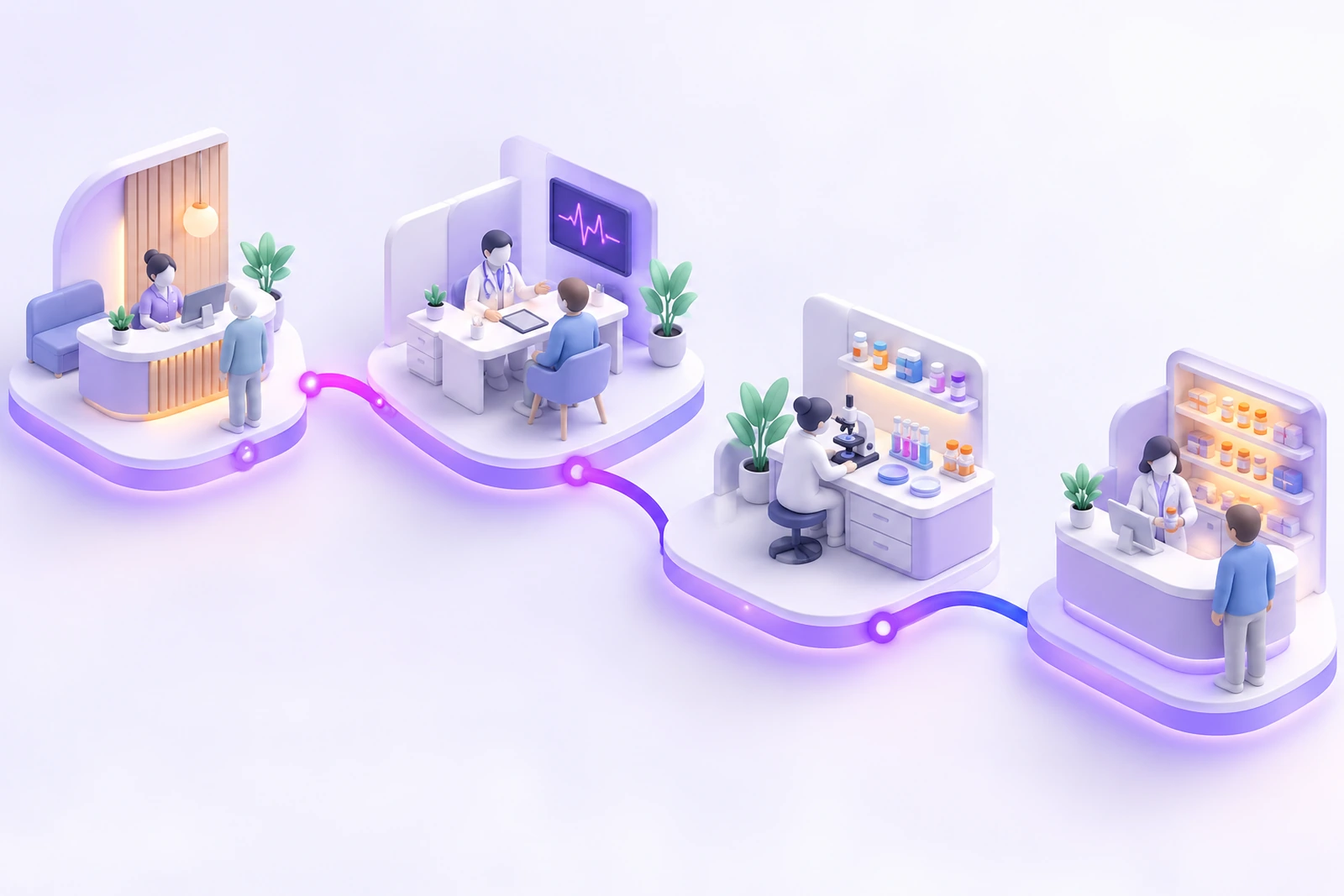
Reception registers or schedules the patient and follows the relevant OPD queue. The patient record becomes the common context for the teams involved in the visit.
The clinician records observations and care orders. Prescriptions and diagnostic requests move to the appropriate pharmacy and lab workflows with the clinical context attached.
When inpatient care is needed, admission and bed-allocation responsibilities begin. Ward, nursing and medication records continue alongside the stay’s services and patient charge records.
The discharge and financial teams complete the required care, clearance and billing steps. Patient history, insurance work and recorded follow-up context remain available to authorised staff.

Where it fits
Illustrative scenarios showing how the capabilities work together.
The clinician records the OPD visit and requests inpatient care. The ward team follows the admission and bed-allocation workflow, while nursing, medicine orders and patient charges continue under the same patient context.
The patient is ready to leave after inpatient care. Ward and billing teams follow the discharge steps, review advances and charges, and coordinate the insurance desk’s claim context before completing their responsibilities.
Prepare your workspace
Bring these details to the implementation discussion so the setup reflects your actual operation.
Optional additions
These additions are scoped separately. We’ll confirm the fit, configuration and delivery requirements with you.
Yes. Patient history, outpatient consultations, admissions, wards and discharge workflows are connected in the Smart Hospital scope.
Advanced operation-theatre, ICU, maternity, physiotherapy and specialty care workflows are listed as optional additions. We confirm the relevant departments and responsibilities before agreeing the implementation.
The source includes role-based chart access and audit records. Your staff roles, restricted information and access-review requirements are part of the configuration discussion; no regulatory certification is implied by the feature list.
Yes. The implementation discussion starts with your records, team responsibilities and approval steps. We agree the configuration and any changes before rollout, then walk through a representative transaction with the people who will use the system.
Book a demonstration and bring examples of your current forms or operating process. We will distinguish the listed capabilities from separately scoped additions, confirm the data and device requirements, and prepare a proposal for your agreed implementation.
See it in your world
Show us how your team works. We’ll demonstrate the relevant capabilities and discuss the right scope.