Orders the team can follow
Move a local order through picking and dispatch with a visible record rather than a separate handwritten message.
 smartcode SYSTEMS
Solutions
Let’s talk
smartcode SYSTEMS
Solutions
Let’s talk
Your neighbourhood store. Every channel connected.
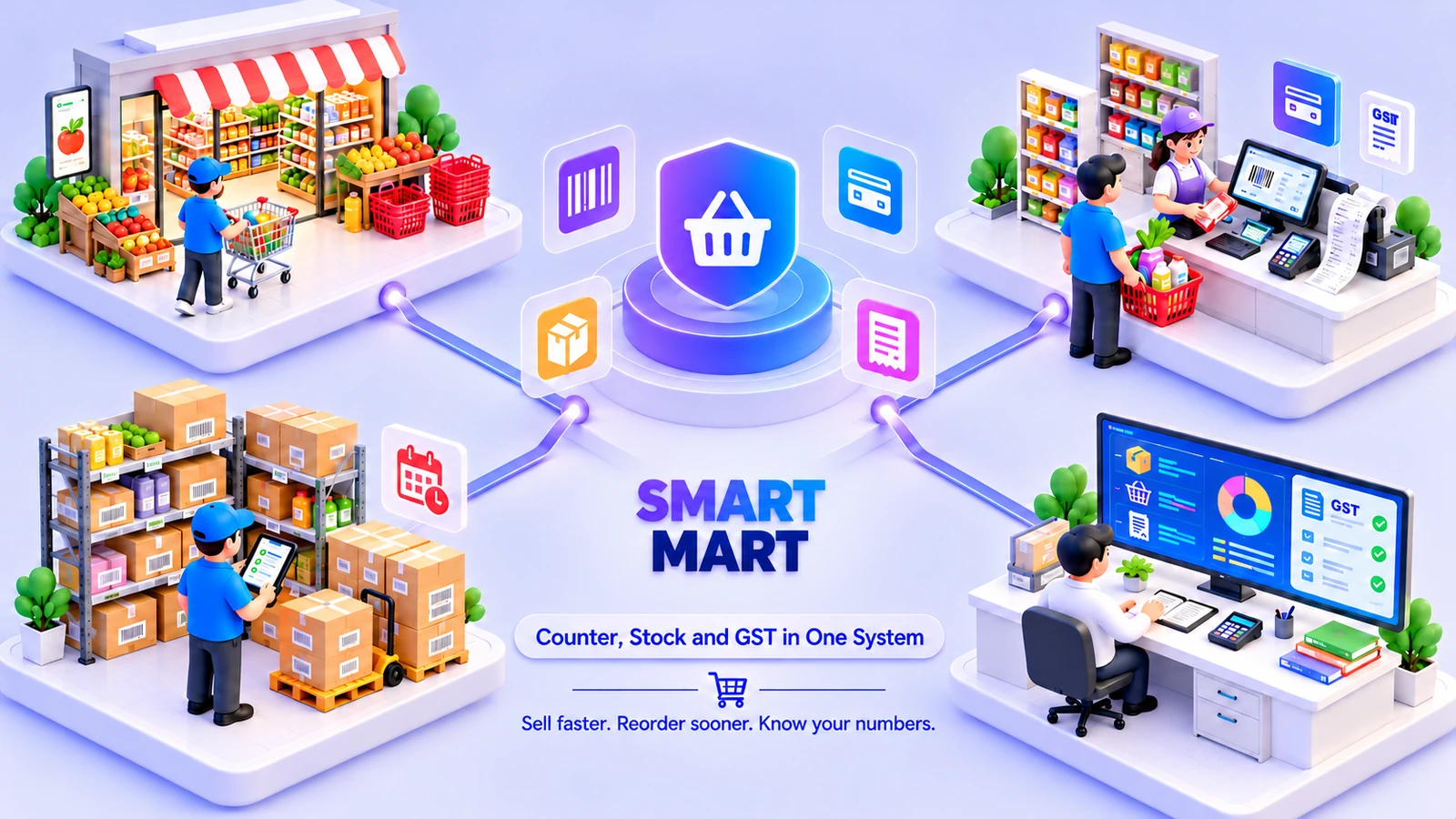
Bring in-store sales and local delivery together. Let customers order available stock, group deliveries by area, and keep the counter and dispatch desk in sync.
 One connected workspaceSmart Mart
Your everyday workflow, connected.
The whole picture
Designed for
Bring in-store sales and local delivery together. Let customers order available stock, group deliveries by area, and keep the counter and dispatch desk in sync.
Smart Mart is for stores where the counter and the neighbourhood delivery service are both part of everyday trading. Customer orders, shelf stock and dispatch need to agree on what is available. Bringing those records together gives the store a clear route from order capture and picking to local delivery and billing, without asking each team to maintain its own version of the stock list.
Move a local order through picking and dispatch with a visible record rather than a separate handwritten message.
Keep counter sales, received goods and local-order preparation connected to shared inventory.
Use delivery-area grouping and the dispatch board to coordinate the orders that need to leave the store.
The friction we help remove
Bring the handoffs, records and follow-through into the same operating picture.
Included capabilities
A closer look at the records, decisions and team handoffs behind each part of the solution.
Give local customers a place to browse and place an order. The order becomes part of the store’s preparation workflow, giving the counter and picking team a record to follow rather than relying on a phone note.
Group orders by the neighbourhood or delivery area before they leave the store. The dispatch board helps the team see what needs to be prepared and sent, with each order retaining its customer and billing context.
Serve walk-in customers through the POS while local orders move through the same business. Billing and product records connect the counter to inventory, keeping the store’s sales channels from becoming separate stock systems.
Use a shared inventory picture for counter sales and customer orders. Product receiving, batches and expiry information support the team’s day-to-day handling of groceries and other stock-sensitive products.
Keep receiving and reorder information close to the product records that the sales team uses. The store can review stock requirements and update the available goods through the same inventory workflow.
Keep the customer order visible through preparation, dispatch and completion. The store retains a connected billing record for the work done, rather than reconciling delivery notes and counter totals after the fact.
The everyday journey
Follow a typical transaction through the teams that keep it moving.
The customer places an order through the portal. Store staff review the products and quantities against the inventory records before moving the order into preparation.
The team groups orders by delivery area and reviews the dispatch board. Pickers and coordinators use that order context to organise the work waiting to leave the store.
Goods are prepared and checked before dispatch. Barcode and stock records keep the picked products connected to the customer’s order and the shared inventory picture.
The delivery and billing steps complete the order’s journey. Counter transactions and local orders remain part of the same store operation for stock review and replenishment.
Where it fits
Illustrative scenarios showing how the capabilities work together.
A customer places a grocery order while the store continues serving walk-ins. The picking team prepares the items from the shared catalogue, and the coordinator groups the order with others for the same local area before dispatch.
New stock arrives during the trading day. Staff use receiving and barcode records, with batch or expiry details where relevant, so the counter and portal order workflow can work from the same updated product picture.
Prepare your workspace
Bring these details to the implementation discussion so the setup reflects your actual operation.
It supports the counter as well as local customer orders. The integrated POS remains the workflow for walk-in sales, with shared inventory connecting it to the local-order and dispatch process.
Yes. The initial solution includes an area-based dispatch board. Your neighbourhood definitions and order-preparation responsibilities are agreed during setup.
Batch, expiry and reorder tracking are included in the product scope. The exact receiving and selling units are configured around the stock your store handles.
Yes. The implementation discussion starts with your records, team responsibilities and approval steps. We agree the configuration and any changes before rollout, then walk through a representative transaction with the people who will use the system.
Book a demonstration and bring examples of your current forms or operating process. We will distinguish the listed capabilities from separately scoped additions, confirm the data and device requirements, and prepare a proposal for your agreed implementation.
See it in your world
Show us how your team works. We’ll demonstrate the relevant capabilities and discuss the right scope.