Guest and back office connected
Link the guest journey to the room, restaurant and financial records supporting the property.
 smartcode SYSTEMS
Solutions
Let’s talk
smartcode SYSTEMS
Solutions
Let’s talk
One property. One connected experience.
One connected workspace for your rooms, restaurant, guest services and back office. Keep every guest charge linked to the stay.
 One connected workspaceSmart Hospitality Suite
Your everyday workflow, connected.
The whole picture
Designed for
Join hotel reservations and guest folios with restaurant POS, room-service orders, housekeeping and service schedules. Minibar checks and complimentary approvals stay tied to checkout, while purchasing, stock, payouts and finance support the team behind the guest experience.
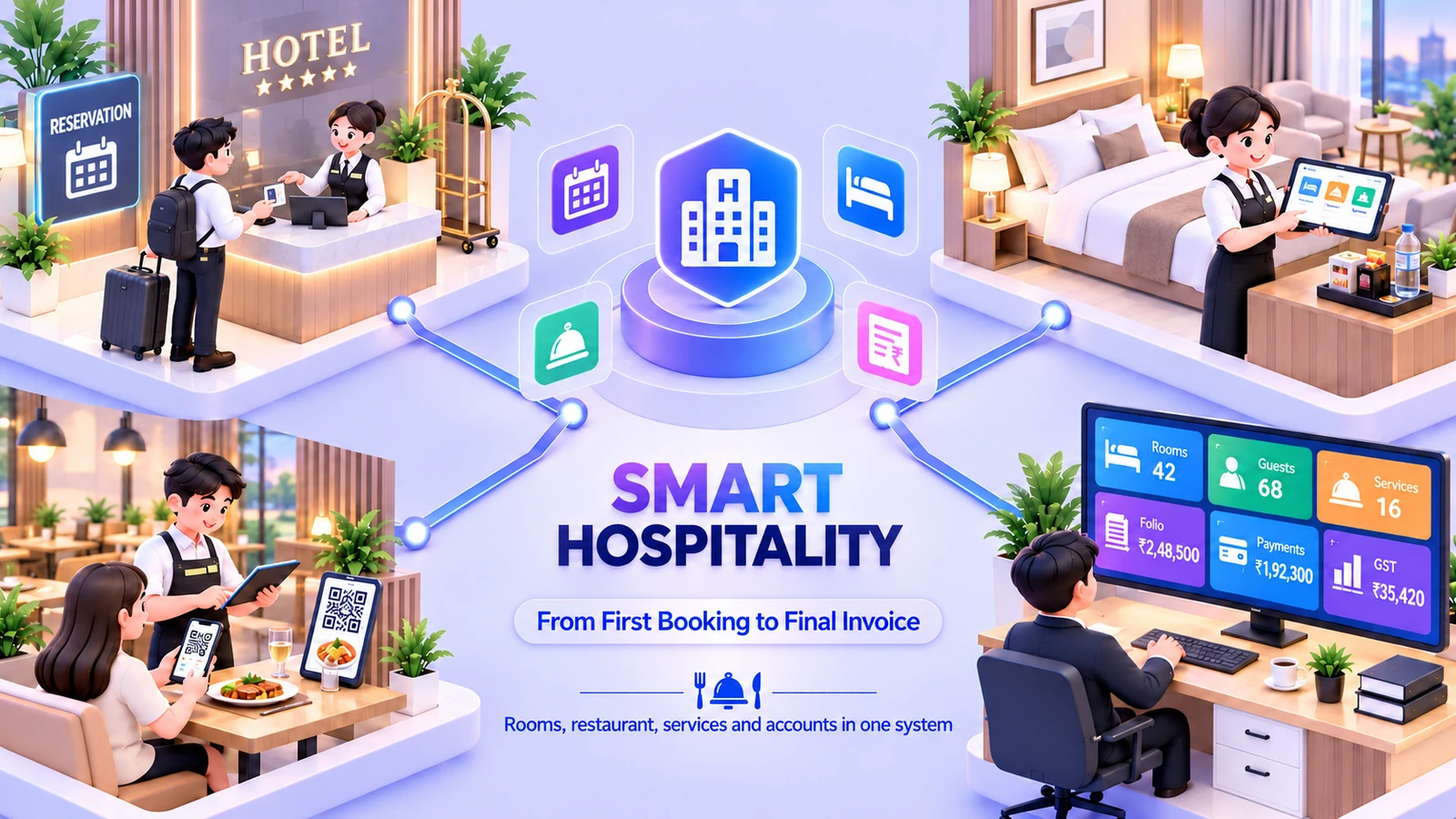
Smart Hospitality Suite connects the guest-facing operation to the teams supporting it. A booking, a room charge and a stock purchase each belong to a different desk, but they contribute to the same property’s work. The suite keeps hotel and restaurant activity connected with housekeeping, purchasing and finance. Optional booking-channel, kitchen and external-accounting integrations are agreed separately around the property’s needs.
Link the guest journey to the room, restaurant and financial records supporting the property.
Keep room-service, restaurant and minibar context available through the guest’s checkout review.
Bring service schedules, purchasing, stock and people workflows into the same suite.
The friction we help remove
Bring the handoffs, records and follow-through into the same operating picture.
Included capabilities
A closer look at the records, decisions and team handoffs behind each part of the solution.
Manage reservations, guest records and the availability board with the guest folio as the financial thread through the stay. The front desk keeps arrivals, room assignments and checkout connected to the same booking.
Coordinate housekeeping and service work around the property’s rooms and guests. Service schedules and request records keep the relevant teams connected to what needs attention during the stay.
Connect restaurant transactions to hotel guests when a charge belongs to a room. Dine-in and delivery channels retain their context, and delivery-app dues can be followed into the payout workflow.
Keep minibar consumption and complimentary decisions attached to the guest’s folio. Checkout checks and manager approvals give staff a defined review step before the bill is treated as complete.
Bring supplier purchases and the property’s stock picture into the same back office. Physical inventory and purchasing records support the goods used by rooms, services and restaurant operations.
Follow cash, bank reconciliation and financial reporting alongside the operational records. Salary and payroll workflows give the staff side of the business its own connected path through the back office.
The everyday journey
Follow a typical transaction through the teams that keep it moving.
The front desk records the reservation and guest details. Room availability, guest records and the folio form the starting point for the stay.
The room is prepared and the guest is checked in. Housekeeping and service schedules provide the operating context for the teams supporting the guest.
Restaurant, room-service and minibar charges are recorded against the relevant stay. Service work and complimentary approvals remain available to the team reviewing the folio.
The desk reviews the folio and completes settlement at checkout. The back office continues with stock, purchasing, reconciliation and payroll records connected to the property’s operation.
Where it fits
Illustrative scenarios showing how the capabilities work together.
An in-house guest visits the restaurant and charges the bill to the room. The restaurant transaction retains its guest-folio connection, letting the front desk review the meal alongside other stay charges at checkout.
The property reviews room-service tasks and restaurant stock while purchasing follows supplier requirements. Finance reconciles receipts and payouts, and staff records stay available to the payroll workflow rather than a separate operational workbook.
Prepare your workspace
Bring these details to the implementation discussion so the setup reflects your actual operation.
Optional additions
These additions are scoped separately. We’ll confirm the fit, configuration and delivery requirements with you.
It combines hotel, restaurant, guest-service and back-office workflows. Hotel-only and restaurant-only responsibilities are reviewed during configuration so the setup fits the operation you actually run.
They are listed as optional additions. Provider access, channel mapping and booking requirements need to be confirmed as a separate scope; the base reservation workflow does not assume a live OTA connection.
Those extensions are listed separately for this suite. We confirm which restaurant capabilities and integrations your property needs rather than treating every possible extension as part of the base installation.
Yes. The implementation discussion starts with your records, team responsibilities and approval steps. We agree the configuration and any changes before rollout, then walk through a representative transaction with the people who will use the system.
Book a demonstration and bring examples of your current forms or operating process. We will distinguish the listed capabilities from separately scoped additions, confirm the data and device requirements, and prepare a proposal for your agreed implementation.
See it in your world
Show us how your team works. We’ll demonstrate the relevant capabilities and discuss the right scope.