One register for every order
Counter, tables, QR orders and delivery apps all land in the same place, with the right tax and the right channel on each.
 smartcode SYSTEMS
Solutions
Let’s talk
smartcode SYSTEMS
Solutions
Let’s talk
Serve. Stock. See. Settle.
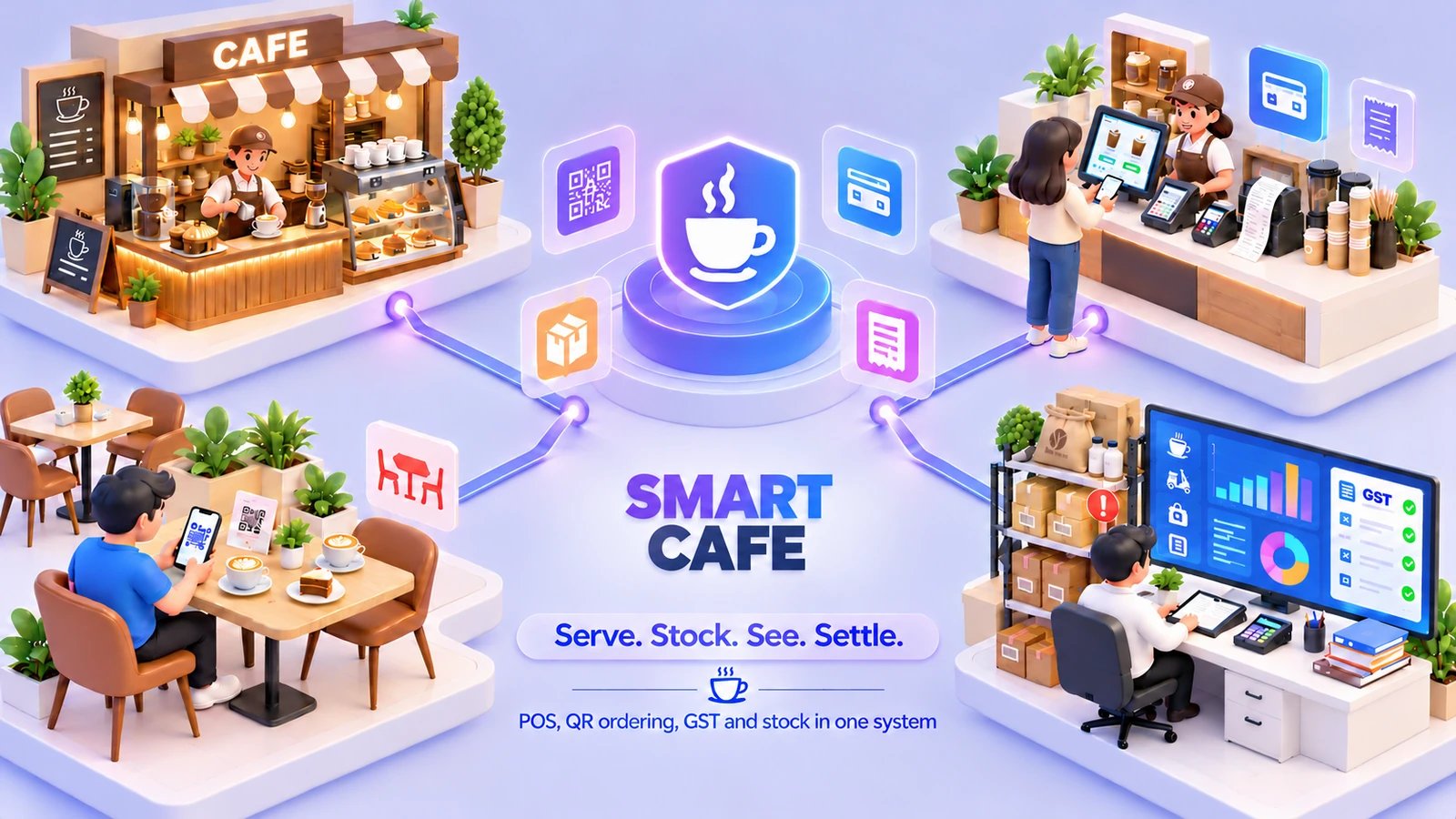
Ring up the counter, the tables and delivery-app orders, let guests scan, order and pay from their phone, then keep stock, GST and books in one system.
 One connected workspaceSmart Cafe
Your everyday workflow, connected.
The whole picture
Designed for
Smart Cafe is a register for cafes, bakeries, juice bars, tea shops, canteens and food courts, with the stock room, the tax and the books behind it. The menu sits on a touch screen with photos and prices, and an order is rung up in a few touches, with a note on any item such as less sugar or heated, a bill split between guests and a refund when needed.
Draw your floors once and each table keeps its open ticket until it is paid, with tables moved or merged when guests change seats. Or skip tables and bill takeaway at the counter on the same screen. Guests can scan a QR code at their table, open your menu in the browser with nothing to install, order, follow the order until it is served and pay online or at the counter. Every ticket is marked dine-in, takeaway or a delivery app such as Swiggy or Zomato, so the right tax follows, and you see what each channel earns and what the apps still owe until each payout arrives.
Behind the counter, a low-stock board groups what to reorder by vendor with one-click purchase orders, supplier bills can be scanned by AI, and an expiry watch covers batch-tracked stock. The dashboard shows the day’s sales, open orders, busy tables and top dishes. GST is worked out at the register, sales post to the books, and staff pay and leave run in the same app.
Counter, tables, QR orders and delivery apps all land in the same place, with the right tax and the right channel on each.
Sales, open orders, busy tables and top dishes are on one screen and refresh by themselves.
Each sale lands on the right account, GST is worked out as you ring up, and your accountant gets the return data.
The friction we help remove
Bring the handoffs, records and follow-through into the same operating picture.
Included capabilities
A closer look at the records, decisions and team handoffs behind each part of the solution.
Your menu sits on the touch screen with photos and prices. Tap the items, add a note such as less sugar or heated, and take payment in cash, card or both.
Draw your floors once, such as a ground floor and a terrace, and tap a table to seat a guest. Each table keeps its bill until it is paid.
Guests scan the QR code at their table with any phone camera and your menu opens in the browser, with nothing to download. They order, follow the order from received to served, and pay online or at the counter.
Mark each ticket dine-in, takeaway or a delivery app, and the right tax follows. See what each channel earns, month by month.
Set a minimum for what you cannot run out of. A board shows what is low, grouped by vendor, and one click turns it into a purchase order.
A dashboard shows the day’s sales, open orders, busy tables and top dishes, and each card opens the records behind it. GST is worked out at the register, sales post to the books, and your accountant gets GSTR-1 and GSTR-3B data as Excel.
The everyday journey
Follow a typical transaction through the teams that keep it moving.
Ring up the counter, the tables and the delivery apps, or let guests scan, order and pay from their phone. Every ticket is marked with where it came from.
See what is low, order from your vendors in one click, scan supplier bills and keep an eye on expiry dates.
Open the dashboard for sales, open orders, busy tables and top dishes, and click any card to open the records behind it.
GST is worked out at the register, sales post to the books, the drawer is counted at day end, and your accountant gets the return data.
Where it fits
Illustrative scenarios showing how the capabilities work together.
A cafe draws its ground floor and terrace, seats guests at tables and bills takeaway at the counter. At table 4 the guests scan the QR code, order and pay from their phones, and the ticket stays on the table until it is paid.
A bakery takes counter sales and Swiggy and Zomato orders at one register. Each order is marked with its channel, the right tax follows, and the owner sees which channel earns most and what the apps still owe.
Prepare your workspace
Bring these details to the implementation discussion so the setup reflects your actual operation.
Yes. Guests scan the QR code at their table, open your menu in the browser with nothing to install, order, follow the order until it is served and pay online or at the counter. It is built for your cafe and delivered with your set-up.
Yes. Mark a ticket as a Swiggy or Zomato order and the right tax follows, see sales by channel, and track what each app still owes until the payout arrives.
No. Draw floors and tables if you seat guests, or skip tables and bill takeaway at the counter on the same screen.
Both. Offline, it runs on your own server over your own network, and messaging, backup and supplier-bill scan need internet. Online, it is cloud hosted and you use it from anywhere through a web address, with hosting charged extra.
Add your menu with photos, prices and tax, draw your tables, open the register and ring up the first order. There is help on the main screens, a guide book with worked examples, and support from inside the app and from our team.
See it in your world
Show us how your team works. We’ll demonstrate the relevant capabilities and discuss the right scope.