One file for each order
Order, site, equipment, checklist answers, findings, report, certificate and invoice stay together instead of in separate files.
 smartcode SYSTEMS
Solutions
Let’s talk
smartcode SYSTEMS
Solutions
Let’s talk
Order. Inspect. Approve. Certify.
Run an inspection agency from client order to approved report and QR-checked certificate, for buildings, fire safety, lifting and pressure equipment.
 One connected workspaceSmart Inspection
Your everyday workflow, connected.
The whole picture
Designed for
Smart Inspection is for third-party inspection agencies: companies that inspect other organisations’ buildings, fire systems, lifts, cranes and pressure equipment on a client’s order. An inspection order arrives from a client, and one record carries it through scheduling, the site visit, findings, review and approval, the signed report and certificate, and the fee invoice. It is not meant for an in-house quality team or a permit authority.
Inspectors work through a checklist on site, with one-tap pass, fail or not-applicable answers that work on a phone, readings judged against their limits, photos and signatures. A failed question can raise a finding with a severity and a fix-by date, and a re-inspection carries the open findings forward. Every site and piece of equipment is kept in a register with its next due date, so repeat inspections are not missed.
A technical reviewer and an authorised signatory, neither of whom can be the inspector, approve in one or two levels. On approval the software issues a numbered certificate with a validity period and a QR code that opens a public check page, and the fee is invoiced from the fee set for the inspection type. Each company can follow Indian practice (Factories Act, NBC, GST), UAE practice (Civil Defence, municipality codes, VAT) or a neutral international setup based on ISO/IEC 17020. The software keeps the record and does the arithmetic; the result of an inspection remains the professional judgement of the people who sign.
Order, site, equipment, checklist answers, findings, report, certificate and invoice stay together instead of in separate files.
The approvers are different people from the inspector, and an issued report stays locked unless it is amended as a new revision.
Each certificate has a number, a validity period and a QR code that opens a public page where its authenticity can be confirmed.
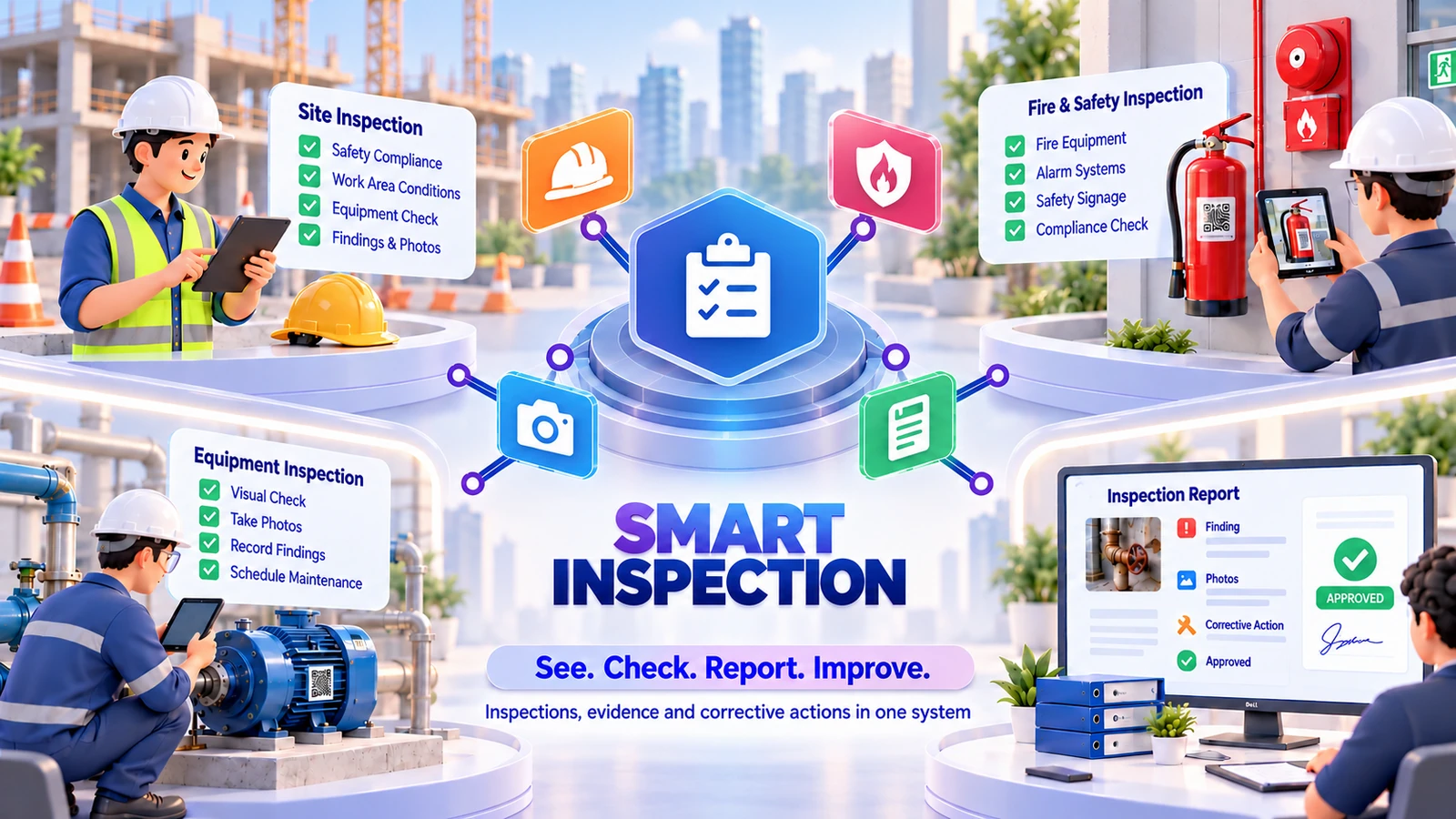
The friction we help remove
Bring the handoffs, records and follow-through into the same operating picture.
Included capabilities
A closer look at the records, decisions and team handoffs behind each part of the solution.
Take inspection orders from clients for their sites, and keep a register of the equipment to be inspected, from lifts, cranes and hoists to pressure vessels, boilers, fire systems and buildings.
Schedule each inspection with a lead inspector. The software checks the inspector’s qualification before the visit and the calibration of the instruments before the report goes for approval.
Answer each question with one tap on a phone: pass, fail or not applicable, with a reading judged against its limits, text or a photo. Critical questions, required photos and weights give a score against a pass mark.
Raise a finding from a failed question, with its severity, the clause, the action required and a fix-by date. The client reports it fixed, and a re-inspection verifies it.
A technical reviewer and an authorised signatory approve in one or two levels, and neither is the inspector. On approval a numbered certificate is issued with a QR code that opens a public check page, and the approved inspections are invoiced.
Give each desk its own screens, from the inspection desk and inspector to the reviewer, signatory, accountant and manager, with daily reminders and a dashboard of what needs attention.
The everyday journey
Follow a typical transaction through the teams that keep it moving.
Take the client’s order for a site, add the equipment that is due, set the planned date and schedule an inspector whose qualification is valid.
Work through the checklist on a phone with passes, fails, readings and photos, raise findings, and collect the client’s and the inspector’s signatures.
A technical reviewer and an authorised signatory, who are not the inspector, check the report in one or two levels and can return it with a reason.
The approved report is locked, a numbered certificate with a QR code is issued, the equipment register gets its next due date, and the fee is invoiced.
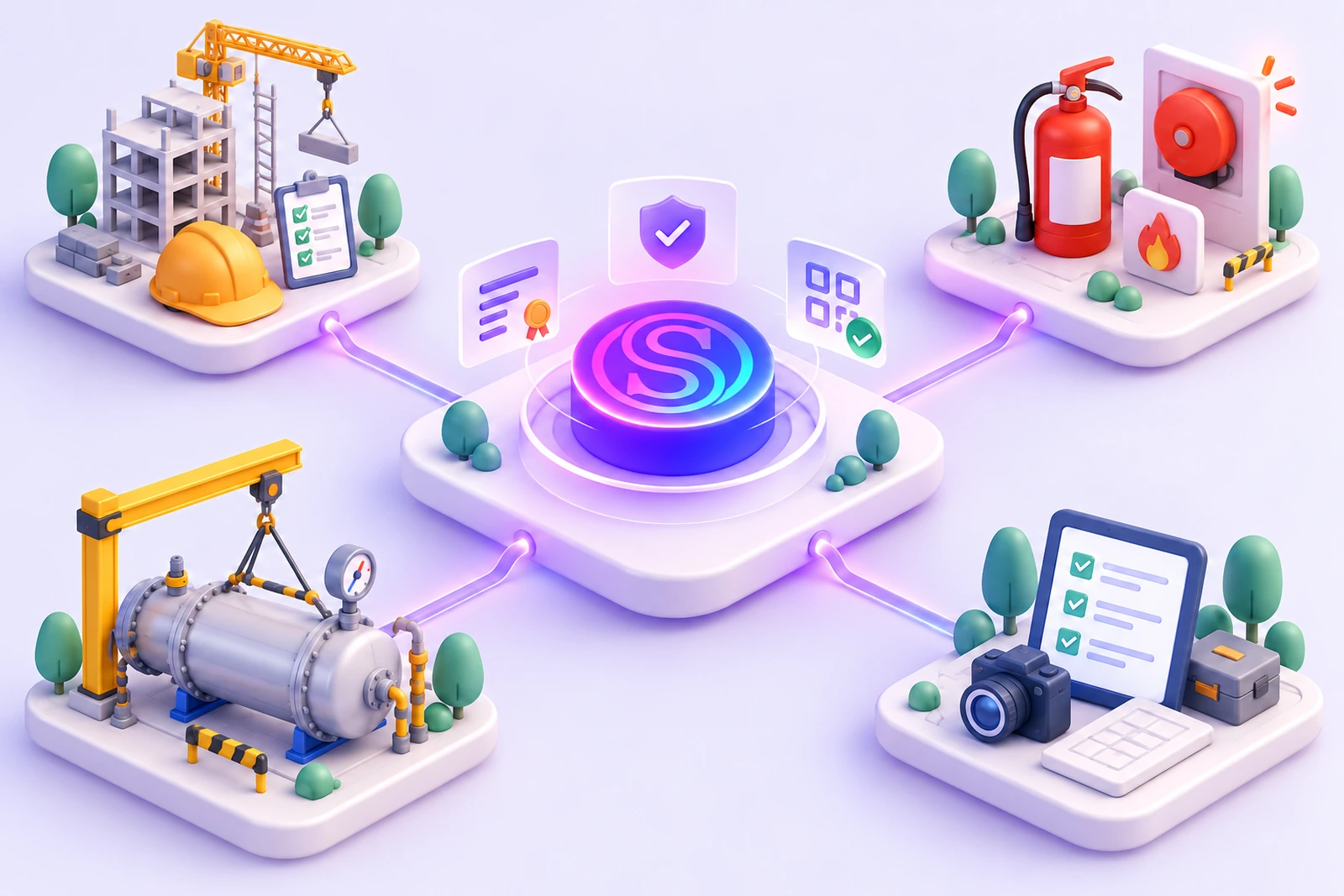

Where it fits
Illustrative scenarios showing how the capabilities work together.
The inspection desk accepts the factory’s order and adds the cranes and hoists that are due. An inspector with a valid qualification works through each checklist on site and records the readings. A critical finding takes a hoist out of service until a re-inspection passes, and the signatory’s approval issues a certificate and updates the next due date.
An agency inspects a building as it goes up, stage by stage, from foundation and plinth to the floors. Each stage has its own checklist, open findings are carried into the re-inspection, and every approved stage report stays in the site’s record.
No. It suggests an overall result from the checklist answers and findings, and a result better than the suggestion needs a written reason. People other than the inspector review and approve the report, so the decision stays with those who sign it.
No. It is built for third-party inspection agencies that inspect other organisations’ buildings and equipment for a fee. It is not an in-house quality system or a system for a permit authority.
Yes. Building and construction stages, fire and life safety, lifting and pressure equipment, and general checklists are four business lines, and each can be switched on or off in the settings.
The equipment register shows each item’s next due date, counted from its last inspection, and a daily reminder covers items that are due, overdue reports, findings past their fix-by date and expiring certificates.
The setup follows India (Factories Act, NBC, GST), the UAE (Civil Defence, municipality codes, VAT) or a neutral international practice based on ISO/IEC 17020, and the inspection types carry the matching legal basis.
Both. Offline, it runs on your own server over your own network, and WhatsApp and backup need internet. Online, it is cloud hosted and you use it from anywhere through a web address, with hosting charged extra.
Pick your lines of work, add your team of inspectors, reviewers and signatories, set your fees for each inspection type and take the first order. There is sample data to try every screen first, step-by-step help on the main screens, and support from inside the app and from our team.
See it in your world
Show us how your team works. We’ll demonstrate the relevant capabilities and discuss the right scope.