The visit stays connected
Link reception, consultation, orders and billing around the patient rather than a set of independent registers.
 smartcode SYSTEMS
Solutions
Let’s talk
smartcode SYSTEMS
Solutions
Let’s talk
More time for care. Less time for paperwork.
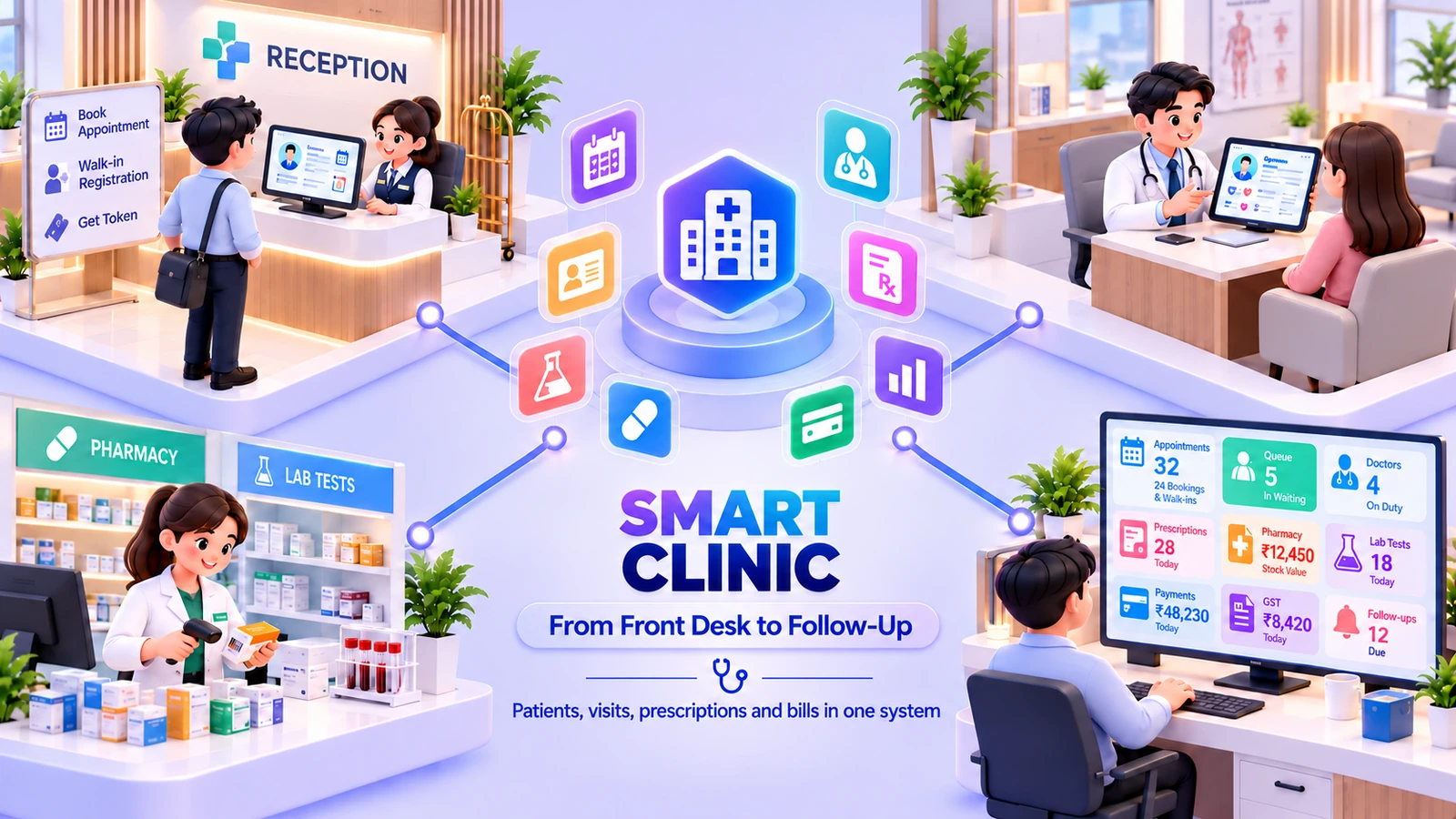
A connected practice workspace for appointments, walk-ins, consultations and billing, with prescriptions and lab requests linked to the patient.
 One connected workspaceSmart Clinic
Your everyday workflow, connected.
The whole picture
Designed for
Keep patient history, allergies and documents alongside appointments and reception queues. Clinicians record SOAP notes and vitals, create prescriptions and request tests, while the counter follows dispensing, consultation fees and patient bills.
A small practice still needs reliable handoffs between reception, the clinician and the checkout desk. Smart Clinic keeps those handoffs around the patient record. The appointment or walk-in becomes a consultation with notes, vitals, prescriptions and any lab requests attached, while the pharmacy and billing steps retain their connection to the visit. Staff roles control which parts of the workspace each team member uses.
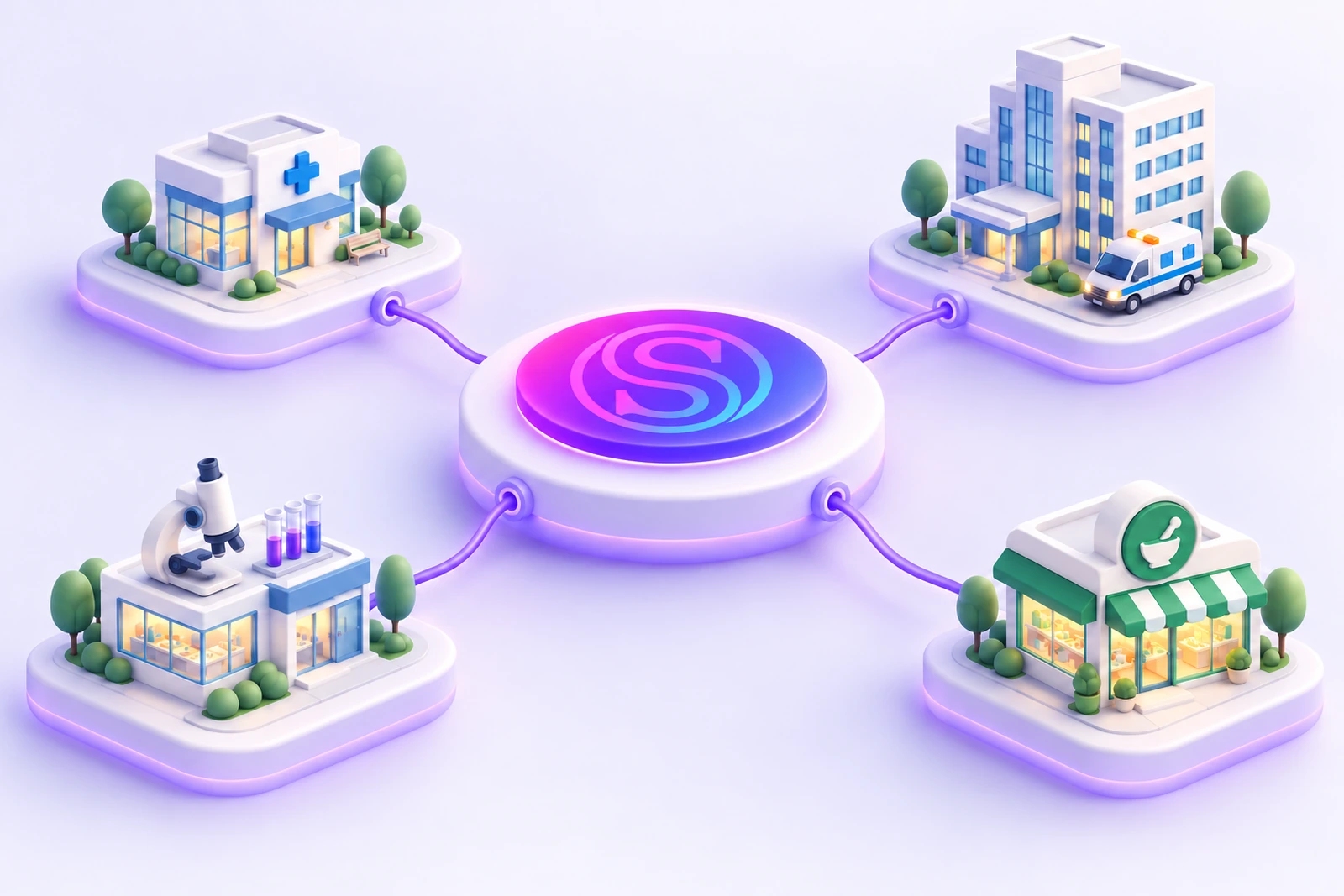
Link reception, consultation, orders and billing around the patient rather than a set of independent registers.
Let prescriptions and lab requests continue into their associated operating workflows.
Give reception, clinical and billing staff roles suited to the parts of the practice they handle.
The friction we help remove
Bring the handoffs, records and follow-through into the same operating picture.
Included capabilities
A closer look at the records, decisions and team handoffs behind each part of the solution.
Bring scheduled visits and walk-ins into the reception workflow. Token queues help staff follow who is waiting and keep the appointment context linked to the patient being seen.
Keep clinical history, allergies and patient documents together. The clinician can work from the recorded context of previous visits rather than reconstructing the patient’s story from separate registers.
Record the consultation using structured SOAP notes and vitals. The visit stays linked to the patient record so subsequent care and follow-up can use the information recorded by the treating team.
Create the prescription within the consultation journey and follow it into the dispensing workflow. The pharmacy counter retains the patient and order context rather than asking staff to re-enter an isolated medicine request.
Link lab requests and result review to the patient’s visit. Referrals, certificates and vaccination records support the additional documents and follow-up information that a practice needs to keep.
Complete the consultation fee and patient billing steps with the visit context retained. Reception, clinician, pharmacy and finance responsibilities are reflected in the staff access setup.
The everyday journey
Follow a typical transaction through the teams that keep it moving.
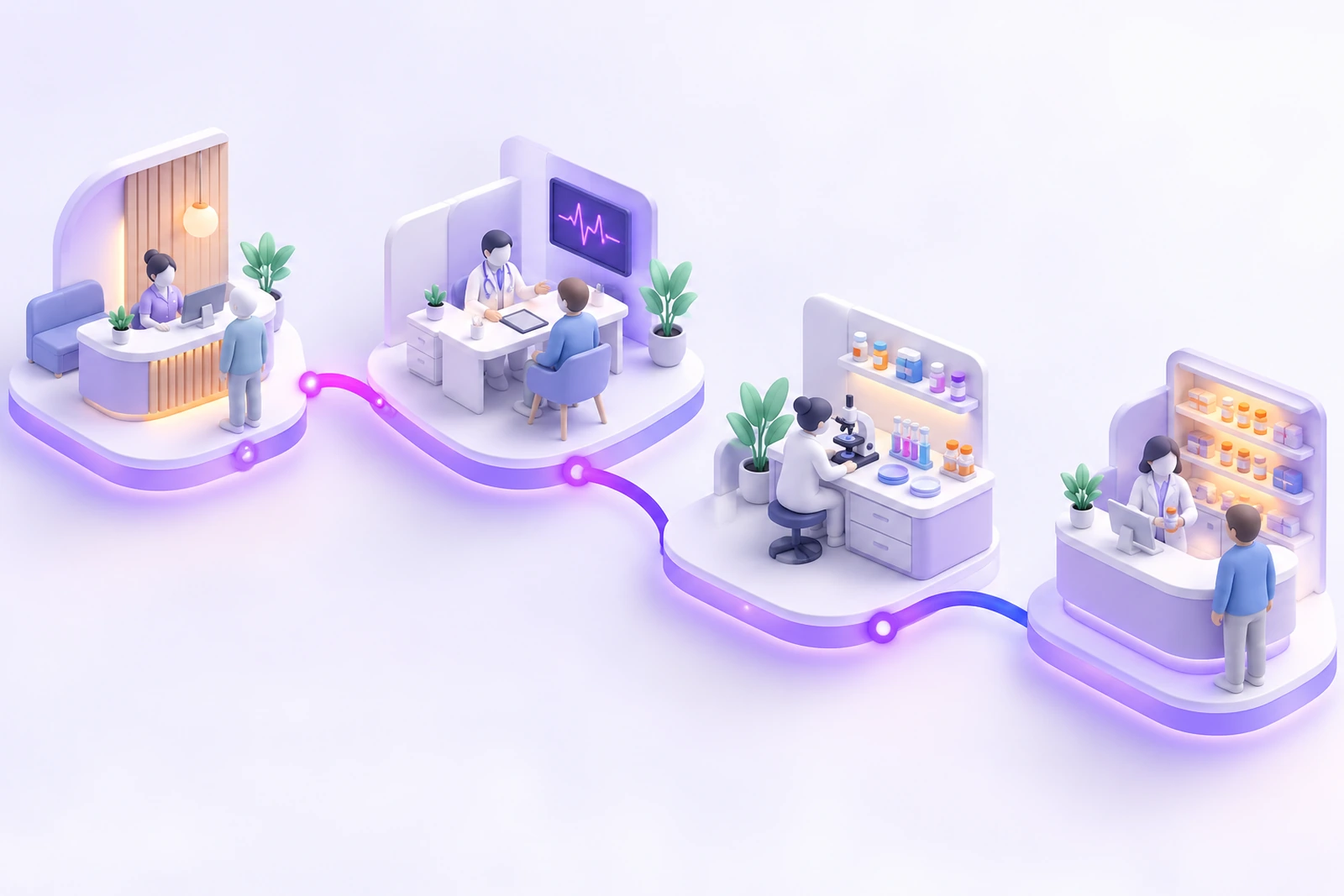
Reception books the appointment or receives a walk-in, confirms the patient record and follows the queue workflow. The visit begins with the registration context attached.
The clinician records the consultation, SOAP notes and vital observations. Relevant history and allergy information remain part of the patient context being reviewed.
Prescriptions and lab requests continue from the visit into their operating workflows. The pharmacy or lab team works with the linked request rather than a separate re-entered note.
The practice reviews the visit’s billing and settlement. Clinical documents and recorded history remain available to authorised staff for subsequent visits and follow-up.
Where it fits
Illustrative scenarios showing how the capabilities work together.
Reception finds the patient record and registers the visit. The clinician reviews the recorded history, adds the current consultation and creates any prescription or lab request, with checkout retaining the visit’s billing context.
A walk-in enters the queue and is seen by the clinician. The lab request stays linked to the patient and consultation so collection, result review and billing can follow the same visit context.
Prepare your workspace
Bring these details to the implementation discussion so the setup reflects your actual operation.
Yes. Appointment scheduling, walk-in registration and token queues are included. The reception setup is configured around the practice’s schedules and patient flow.
The solution includes a linked prescription and dispensing workflow. We confirm the medicine catalogue, pharmacy responsibilities and billing process during setup.
No. Smart Clinic focuses on the practice journey: reception, consultations, prescriptions, lab requests and patient billing. Ward, inpatient and broader hospital workflows belong to the Smart Hospital scope.
Yes. The implementation discussion starts with your records, team responsibilities and approval steps. We agree the configuration and any changes before rollout, then walk through a representative transaction with the people who will use the system.
Book a demonstration and bring examples of your current forms or operating process. We will distinguish the listed capabilities from separately scoped additions, confirm the data and device requirements, and prepare a proposal for your agreed implementation.
See it in your world
Show us how your team works. We’ll demonstrate the relevant capabilities and discuss the right scope.