Every table in view
Free and busy tables, open bills and reservations are on one floor plan instead of in the waiters’ heads.
 smartcode SYSTEMS
Solutions
Let’s talk
smartcode SYSTEMS
Solutions
Let’s talk
Seat. Order. Cook. Bill.
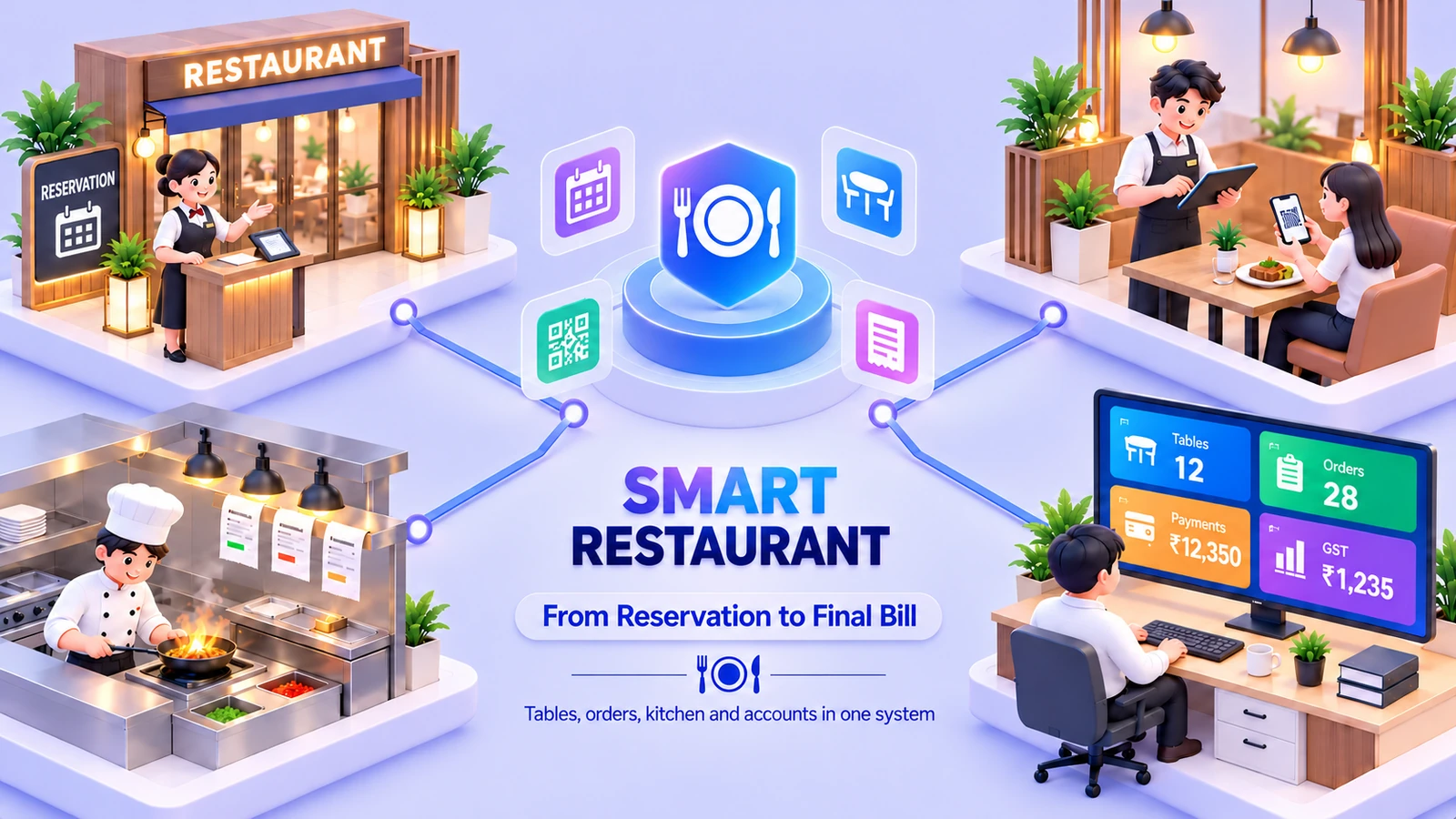
Tables, waiters’ phones, the kitchen and the bill in one system, with stock, GST and books behind it.
 One connected workspaceSmart Restaurant
Your everyday workflow, connected.
The whole picture
Designed for
Smart Restaurant runs a dining room from the guest sitting down to the books closing. Draw your floors once and see at a glance which tables are free and what each open bill stands at. Reserve ahead without double-booking a table, and move or merge tables when guests change seats, with the bill following them.
Waiters take the order at the table on a phone or tablet: pick the table, tap the dishes from your menu with photos, prices and veg marks, add a one-tap note such as less spicy or no onion, and send it to the kitchen. The cashier already has the order at the register. The kitchen gets a ticket the moment you send, later additions go on an add-on ticket so the kitchen sees what is new, and the ticket can be printed for the pass on an 80 mm printer.
One GST bill is kept for each table, split between guests when they ask and paid in cash or card. Delivery apps use the same register, with Swiggy and Zomato dues tracked until each payout. Behind the dining room, a stores board shows what is low by vendor with one-click purchase orders, a dashboard shows the day’s sales, busy tables and top dishes, and GST, books and staff pay run in the same app. The waiter app is installed on your own phones and tablets, not from an app store.
Free and busy tables, open bills and reservations are on one floor plan instead of in the waiters’ heads.
A ticket reaches the kitchen the moment the waiter sends it, with the notes, and later additions are marked as new.
GST is worked out item by item, and each bill and each delivery-app due ends up in the books without retyping.
The friction we help remove
Bring the handoffs, records and follow-through into the same operating picture.
Included capabilities
A closer look at the records, decisions and team handoffs behind each part of the solution.
Draw your floors once and see which tables are free or busy, with the running bill on each open table. Reserve ahead, and no table is double-booked.
Pick the table, tap the dishes and send them to the kitchen from a phone or tablet. The cashier already has the order at the register.
Set up every dish once, with a photo, a price and a veg mark. The waiter’s screen and the register both use it.
The kitchen gets a ticket the moment you send from the phone. Later additions go on an add-on ticket, so the kitchen sees what is new.
One GST bill for each table, with CGST and SGST item by item. Print it before payment, split it between guests, and take cash or card. Delivery apps use the same register.
A needs-ordering board by vendor with one-click purchase orders, an expiry watch and supplier-bill scan. A dashboard shows sales, busy tables and top dishes, and every number opens the orders behind it.
The everyday journey
Follow a typical transaction through the teams that keep it moving.
Know every table: the floor plan shows which are free and what each open bill stands at, and reservations are checked so no table is double-booked.
The waiter picks the table, taps the dishes from the menu and sends the order to the kitchen from a phone or tablet. The cashier already has it.
The kitchen gets a ticket the moment the order is sent. Later additions go on an add-on ticket, and notes travel with the dish.
One GST bill for each table, split between guests if they ask, paid in cash or card. Delivery-app orders use the same register, and their dues are tracked until payout.
Where it fits
Illustrative scenarios showing how the capabilities work together.
A waiter opens Table 4 for three guests, taps the dishes with their notes and sends them. The kitchen has the ticket at once, and a later order of drinks goes on an add-on ticket. At the end the cashier splits the bill and takes payment, and the sale posts to the books.
A restaurant keys Swiggy and Zomato orders into the same register as its dine-in tables. The dashboard shows today by channel, and the dues each app owes are tracked until the payout arrives.
Prepare your workspace
Bring these details to the implementation discussion so the setup reflects your actual operation.
Optional additions
These additions are scoped separately. We’ll confirm the fit, configuration and delivery requirements with you.
In the waiter app on a phone or tablet: pick the table, tap the dishes, add notes and send the order to the kitchen. The cashier already has it at the register. The app is installed on your own devices, and it is not in an app store.
As a ticket the moment you send it. Later additions go on an add-on ticket that is marked as new, notes travel with the dish, and the ticket can be printed on an 80 mm printer for the pass.
Yes. Print the bill before payment, split it between guests and take cash or card. Swiggy and Zomato orders use the same register, and what each app owes is tracked until the payout arrives.
Both. Offline, it runs on your own server over your own network, and backup and supplier-bill scan need internet. Online, it is cloud hosted and you use it from anywhere through a web address, with hosting charged extra.
Yes. Load the sample data to try every screen first. There is step-by-step help on the main screens, and support from inside the app and from our team. To start, add your menu, draw your floors, add your team and take the first order.
See it in your world
Show us how your team works. We’ll demonstrate the relevant capabilities and discuss the right scope.